AI Prompt Generator for Business: Save Time on Emails, Marketing and Reports (2027)
Most business owners and teams now use ChatGPT, Claude, or Gemini for everyday work, but the results depend on how well the request is written. A vague prompt gives a vague email, a generic ad, or a report that needs a full rewrite. An AI prompt generator for business fixes this by turning a short description of your task into a complete, structured prompt, so you spend less time rewriting and more time using the result. This guide shows where it helps most, gives you ready-to-use business prompts, and explains how to use one safely. You can try ours now: our free Prompt Generator works without an account.
What Is an AI Prompt Generator for Business?
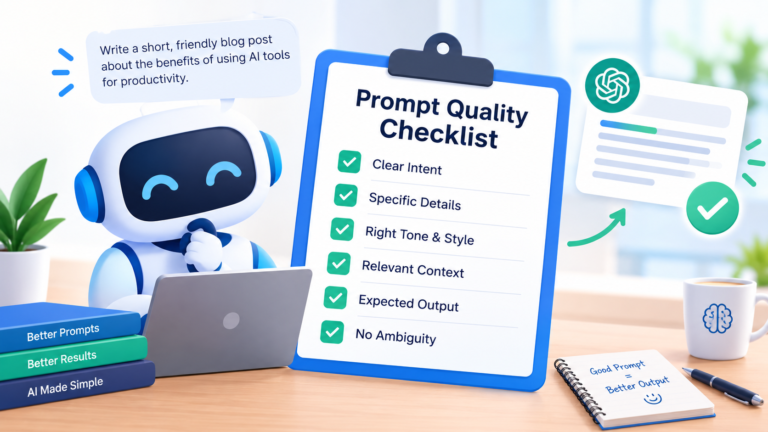
An AI prompt generator for business is a tool that builds clear, structured prompts for work tasks. You describe what you need, such as a follow-up email or a product description, and the tool adds the goal, audience, tone, format, and limits that make AI answers useful.
It does not write the final content for you. It writes the instruction that you give to an AI model. That difference matters, because a better instruction gives you a better first draft, and a better first draft means fewer revisions.
Why Businesses Use a Prompt Generator
Businesses have a few specific reasons to use one.
Consistency across the team. When everyone starts from the same structure, AI output sounds more alike. That helps with brand voice and quality.
Speed. Writing a detailed prompt by hand takes thought every time. A generator gets you to a strong prompt in under a minute.
Less training time. New team members do not need to learn prompting from scratch. The tool asks for the right details, so good habits come built in.
Fewer revisions. Clear instructions reduce vague, off-target drafts that need heavy editing.
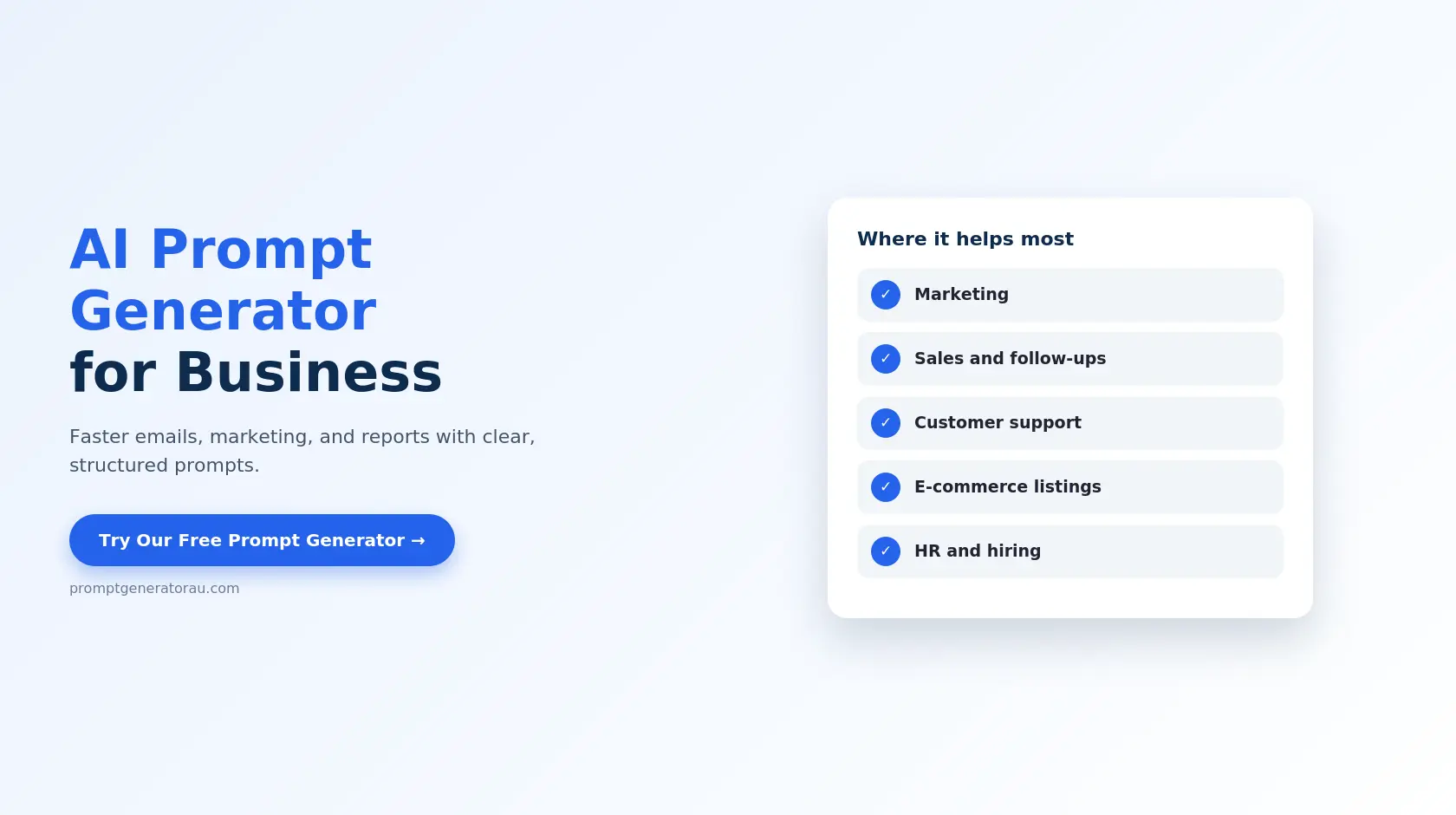
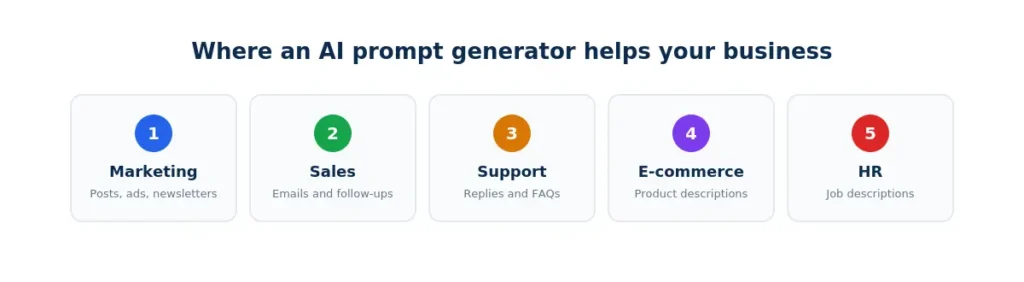
Where an AI Prompt Generator for Business Helps Most
Here are the areas where structured prompts make the biggest difference.
|
Business area |
Typical tasks |
What the prompt should include |
|---|---|---|
|
Marketing |
Blog outlines, ad copy, social posts, newsletters |
Audience, tone, platform, length |
|
Sales |
Cold emails, follow-ups, proposals |
Customer type, offer, next step |
|
Customer support |
Replies, FAQs, help articles |
Issue, tone, solution, length |
|
E-commerce |
Product descriptions, category pages |
Features, buyer benefits, tone |
|
HR and hiring |
Job descriptions, interview questions |
Role, skills, inclusive tone |
|
Operations |
Meeting summaries, reports, checklists |
Source notes, format, action items |
Business Prompt Examples You Can Copy
Replace the [brackets] with your own details.
|
Task |
Prompt to copy |
|---|---|
|
Sales follow-up |
“Write a polite follow-up email to a prospect who has not replied in a week. Mention [product], keep it under 120 words, stay professional, and end with one clear next step.” |
|
Social media post |
“Write a LinkedIn post announcing [news] to [audience]. Start with a strong hook, share three key points, and end with a question. Keep it under 150 words.” |
|
Customer reply |
“Write a calm, helpful reply to a customer upset about [issue]. Apologize once, explain the fix, and offer a next step. Keep it under 100 words.” |
|
Meeting summary |
“Summarize the notes below into key decisions, action items with owners, and open questions. Use bullet points. Notes: [paste notes]” |
|
Job description |
“Write a job description for a [role] at a [company type]. Include responsibilities, required skills, and benefits. Use an inclusive, welcoming tone.” |
|
Competitor-free SWOT |
“Create a SWOT analysis for a [business type] in [market]. Present it as a table with two points per quadrant and one recommended action.” |
For 20 more ready-made prompts, see our list of AI prompt examples.
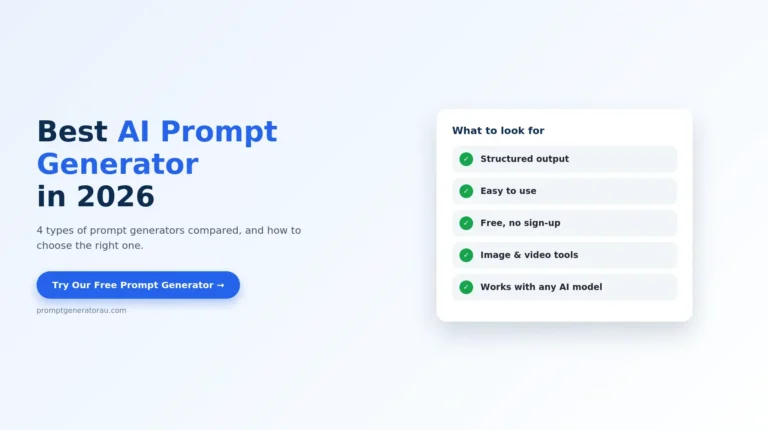
Specialized Tools for Business Content
General text prompts cover most tasks, but some business content needs a tool built for it.
|
Business need |
What the prompt needs |
Tool |
|---|---|---|
|
Everyday writing and emails |
Goal, audience, tone, length |
|
|
ChatGPT conversations |
Role, task, context, format |
|
|
Online store listings |
Features, benefits, buyer tone |
|
|
Marketing visuals |
Style, lighting, composition |
|
|
Nano Banana images |
Model-specific structure |
|
|
Promo and ad videos |
Scene, motion, camera angle |
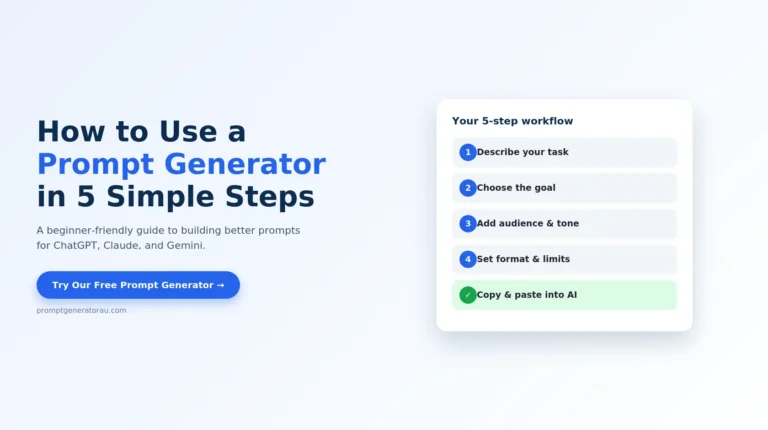
How to Use an AI Prompt Generator for Business in 4 Steps
Step 1: Describe the task. Write one full sentence, such as “a follow-up email to a client about an unpaid invoice.”
Step 2: Name the audience and goal. Say who will read it and what you want them to do.
Step 3: Set tone, format, and limits. Choose how it should sound, how long it should be, and what to avoid, such as pricing or jargon.
Step 4: Copy, paste, and refine. Paste the prompt into your AI tool. If the draft is close, reply with one specific correction instead of starting over.
For a longer walkthrough, see our tutorial on how to use a prompt generator.
Using AI Prompts Safely at Work
Business use comes with responsibilities that personal use does not. A few habits protect you and your company.
Do not paste sensitive information. Avoid customer data, passwords, financial records, contracts, and confidential plans. Describe the situation in general terms instead, using placeholders like [client name].
Check your company’s AI policy. Many organizations have rules about which tools and data are allowed. Follow them.
Review before you send. AI can state wrong facts confidently. Verify numbers, dates, names, and claims before anything goes to a customer or goes public.
Keep a human in the loop for important content. For legal, medical, financial, or contract wording, use AI for a draft and have a qualified person review it.
These habits matter more than any tool choice.
Get Better Business Results From Any Generator
A few habits improve output for any task.
Before you use an important prompt, you can check it with our prompt checker, which flags anything vague or missing.
Learn the Basics Behind the Tool
A generator is faster when you understand what it builds. These guides explain the thinking:
Frequently Asked Questions
Start Using an AI Prompt Generator for Business Today
You do not need a big budget or a technical team to get more from AI at work. You need clear instructions, and an AI prompt generator for business gives you those in under a minute. Start with one routine task, such as a customer email or a social post, and compare the draft with what you usually get. Open our free Prompt Generator, describe your task, and see how much faster a good first draft comes together.