How to Write a ChatGPT Prompt: A Step-by-Step Guide With Examples (2027)
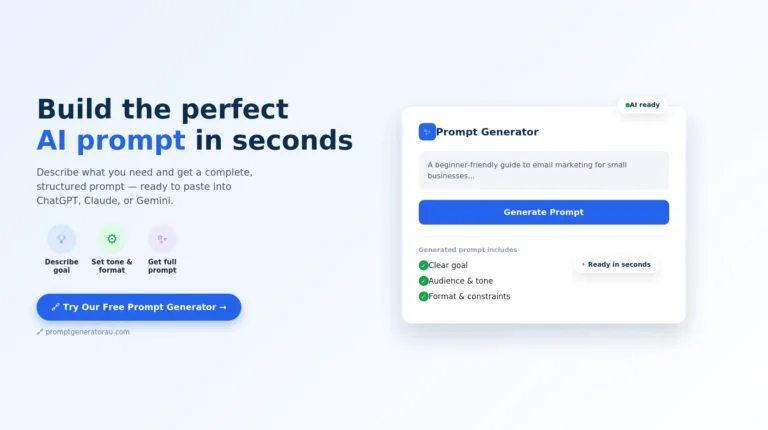
Most people type a short question into ChatGPT, get a generic answer, and assume the tool is the problem. In reality, the quality of the answer depends almost entirely on the prompt. Learning how to write a ChatGPT prompt is the fastest way to get clearer, more useful results, and you do not need any technical skill to do it. This guide walks you through a simple five-part formula, real before-and-after examples, and the mistakes to avoid. If you want a shortcut, our free ChatGPT Prompt Generator builds the whole prompt for you in seconds.
Why Learning How to Write a ChatGPT Prompt Matters
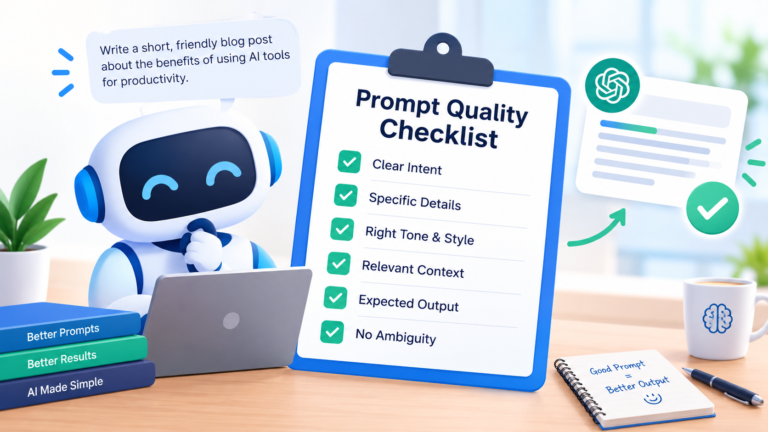
ChatGPT cannot read your mind. It only has the words you give it, so a vague request forces it to guess your goal, your audience, and the format you want. Guessing leads to generic answers, missing details, and sometimes invented facts.
A well-written prompt does the opposite. It removes ambiguity, sets clear boundaries, and tells ChatGPT what a finished answer looks like. That is why knowing how to write a ChatGPT prompt often matters more than which model or plan you use.
The 5-Part Formula for How to Write a ChatGPT Prompt
Every strong prompt contains the same five parts. Once you know them, you can write a good prompt for almost any task.
|
Part |
What it does |
Example |
|---|---|---|
|
Role |
Tells ChatGPT who to act as |
“Act as an experienced email marketer” |
|
Task |
States exactly what to do |
“Write a welcome email for new subscribers” |
|
Context |
Gives the background it needs |
“We sell handmade candles to gift buyers” |
|
Format |
Sets how the answer is structured |
“Under 150 words, three short paragraphs” |
|
Limits |
Sets what to avoid or include |
“Friendly tone, no discounts, no jargon” |
You do not need all five every time. For a quick question, a task and one limit may be enough. For anything important, the more of these you include, the better the result.
How to Write a ChatGPT Prompt Step by Step
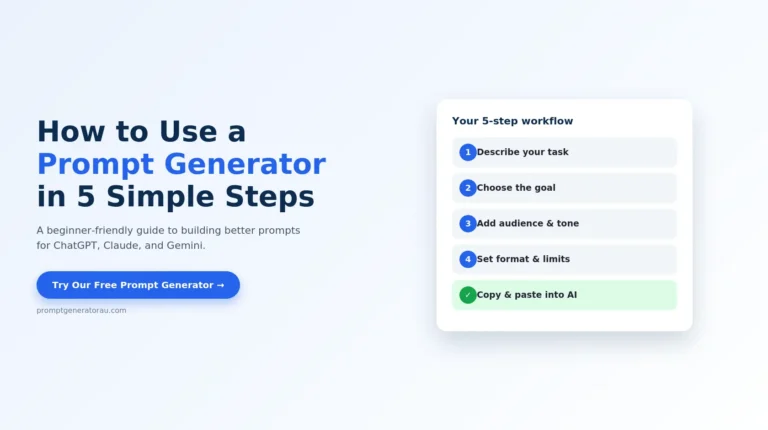
Follow these steps in order. Each one takes only a few seconds.
Step 1: Start With a Clear Task
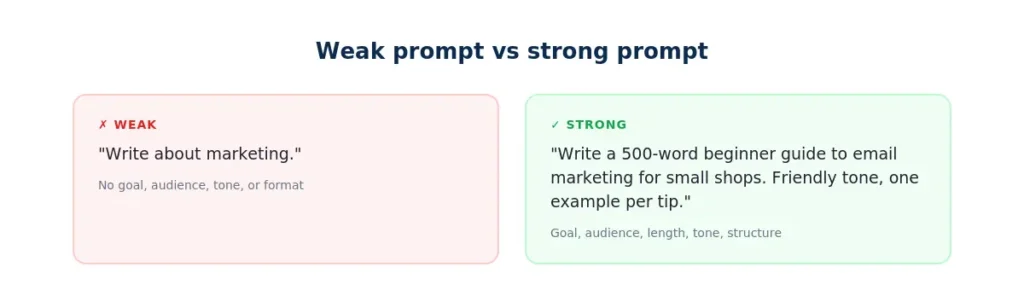
Begin with an action verb: write, explain, summarize, compare, list, or rewrite. “Write about marketing” is a topic. “Write a 500-word guide to email marketing” is a task. The verb tells ChatGPT what you want it to do.
Step 2: Give ChatGPT a Role
A role sets the voice and depth of the answer. “Act as a high school science teacher” produces a different response from “act as a research scientist,” even on the same topic. Pick the role that matches who you would ask in real life.
Step 3: Add Context
Context is the background ChatGPT cannot know unless you say it: your industry, your audience, your goal, and what you have already tried. Even one extra sentence of context improves most answers noticeably.
Step 4: Specify the Format
Say how you want the answer delivered: bullet points, a table, a numbered list, or short paragraphs. Add a length such as “around 300 words.” If you skip this, ChatGPT chooses a format for you, and it may not be the one you need.
Step 5: Set Limits and Tone
Name the tone (formal, friendly, casual, persuasive) and list anything to avoid. Telling ChatGPT what not to do is just as useful as telling it what to do.
Weak vs Strong: How to Write a ChatGPT Prompt in Practice
Seeing the difference makes the formula easy to remember.
|
Weak prompt |
Strong prompt |
|---|---|
|
“Write about productivity.” |
“Act as a productivity coach. Write a 5-tip guide for remote workers who struggle with distractions. Use a friendly tone, give one example per tip, and keep it under 400 words.” |
|
“Explain machine learning.” |
“Explain machine learning to a high school student with no coding background. Use everyday analogies, avoid technical terms, and end with a three-sentence summary.” |
|
“Help me with my resume.” |
“Act as a recruiter. Review the resume below for a marketing manager role. List three weaknesses, then rewrite the summary section in under 80 words. Resume: [paste]” |
Each strong version states the task, audience, format, and limits. That leaves ChatGPT almost nothing to guess.
ChatGPT Prompt Examples You Can Copy
Here are three prompts built with the formula. Replace the [brackets] with your own details.
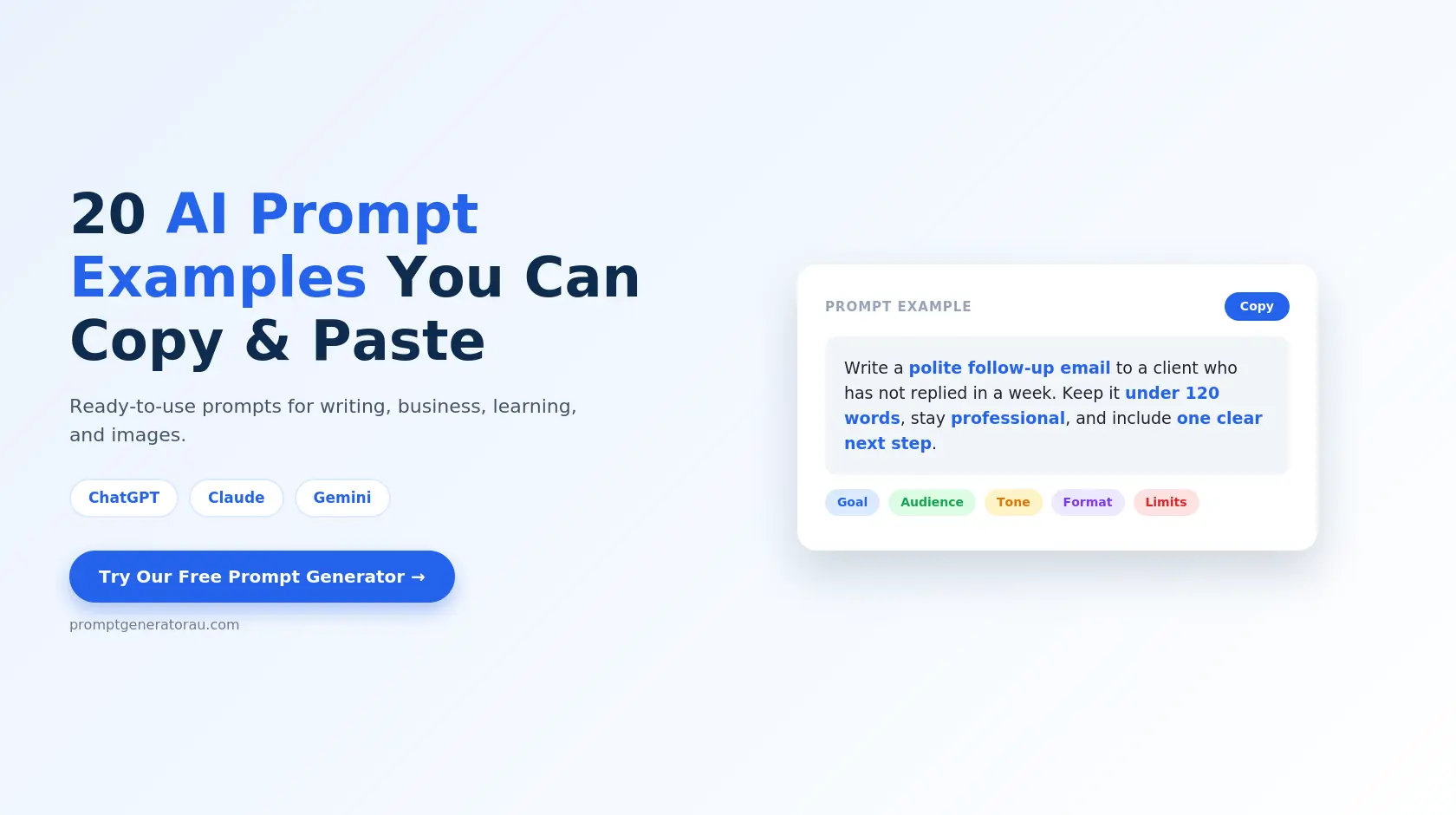
For 20 more ready-made prompts across writing, business, and learning, see our full list of AI prompt examples.
Common Mistakes When Learning How to Write a ChatGPT Prompt
Avoid these habits and your answers will improve quickly.
Being too vague. Words like “better,” “good,” and “professional” mean different things to different people. Replace them with specifics, such as “formal, with no slang.”
Skipping the audience. Without it, ChatGPT writes for no one in particular. Always say who the answer is for.
Asking for too much at once. A prompt requesting an outline, a full article, and a summary together usually produces a thin version of each. Ask for one task at a time.
Never giving feedback. The first answer is a draft. Reply with one specific correction, such as “keep this but make it shorter and more casual,” instead of starting over.
Trusting facts blindly. ChatGPT can state wrong information confidently. Ask it to flag anything it is unsure about, and verify important facts yourself.
Tools That Make It Easier to Write a ChatGPT Prompt
Writing prompts by hand works well once you know the structure, but a tool saves time, especially if you prompt every day.
After you write a prompt, run it through our prompt checker to catch anything vague or missing before you send it.
Frequently Asked Questions
Start Applying How to Write a ChatGPT Prompt Today
You now know how to write a ChatGPT prompt: start with a clear task, add a role and context, set the format, and finish with tone and limits. Try the formula on your next real task and compare the result with what you usually get. When you want to skip the manual work, open our free ChatGPT Prompt Generator, describe what you need, and get a ready-to-use prompt in seconds.