How to Use a Prompt Generator: A Step-by-Step Guide for Beginners (2026)
If you have ever typed a quick request into ChatGPT, Claude, or Gemini and got a vague, generic answer back, the problem was probably the prompt, not the AI. This guide on how to use a prompt generator shows you a faster way. Instead of guessing what to write, you describe what you need, and the tool builds a complete, structured prompt for you. Learning how to use a prompt generator takes about five minutes, and the difference in your results shows up right away. You can follow along with our free Prompt Generator as you read.
What You Need Before You Start
You do not need any technical skill or an account. You only need to know three things about your task before you open the tool:
If you can answer those three questions in a sentence or two, you already have everything a prompt generator needs.
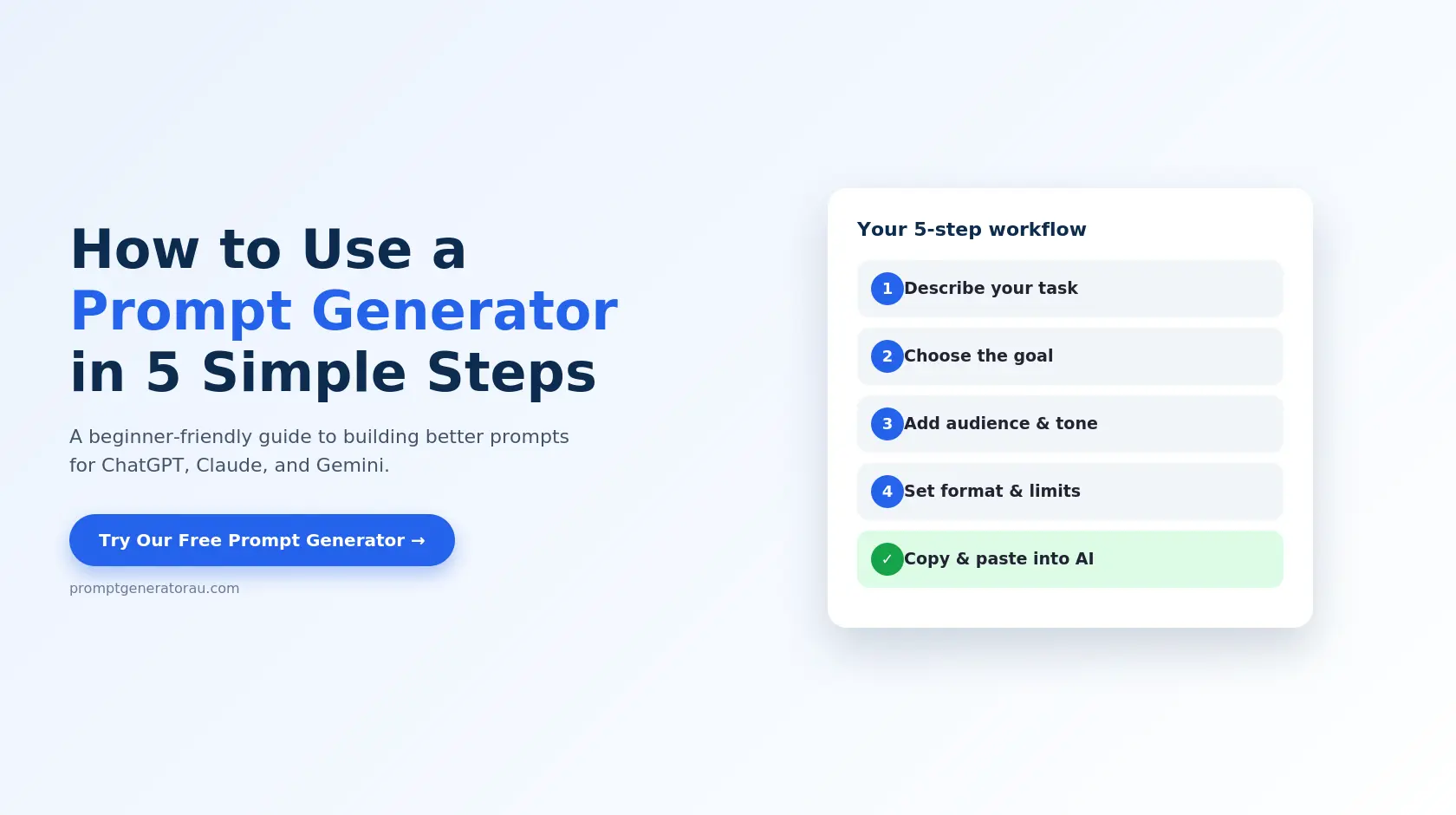
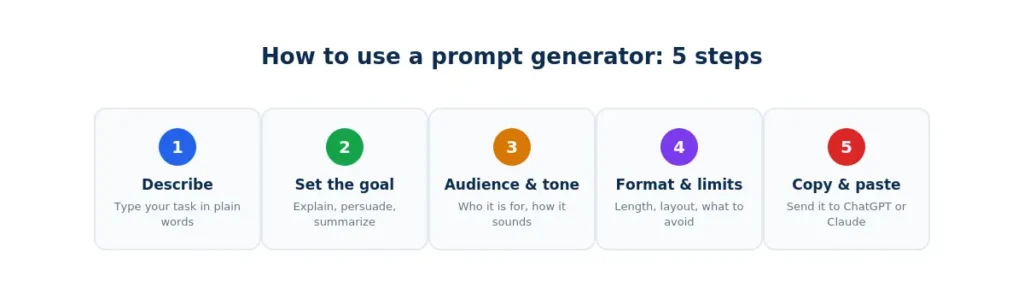
How to Use a Prompt Generator in 5 Simple Steps
Here is how to use a prompt generator from start to finish. The steps are the same whichever tool you pick.
Step 1: Describe Your Task in Plain Language
Start by typing what you want in everyday words. You do not need to write it like a perfect prompt. Something like “a beginner guide to email marketing for small shops” is enough. The generator’s job is to turn that rough idea into a proper prompt.
Step 2: Choose the Goal
Tell the tool what the output should do: explain, persuade, summarize, compare, or brainstorm. This one choice changes the whole structure of the final prompt, so do not skip it.
Step 3: Add Audience and Tone
Pick who the response is for and how it should sound. A prompt written for a teenager and a prompt written for a company director will produce very different answers, even on the same topic. Choose a tone such as professional, friendly, casual, or technical.
Step 4: Set the Format and Limits
Say how you want the answer delivered: bullet points, a table, a numbered list, or short paragraphs. Add a length, for example “around 500 words,” and anything the AI should avoid, such as jargon or pricing.
Step 5: Generate, Copy, and Paste
Click generate. The tool combines your answers into one complete prompt. Copy it and paste it into ChatGPT, Claude, Gemini, or any other AI model. That is the whole process.
How to Use a Prompt Generator: Before and After Examples
Seeing real examples makes it clear why this works. These examples show how to use a prompt generator to turn a short request into something an AI can actually follow.
|
Your rough idea |
What the generator builds |
|---|---|
|
“Write about productivity” |
“Write a 5-tip productivity guide for remote workers who struggle with distractions. Use a friendly, practical tone, give one example per tip, and keep it under 400 words.” |
|
“Explain machine learning” |
“Explain machine learning to a high school student with no coding background. Use simple everyday analogies, avoid technical terms, and end with a three-sentence summary.” |
|
“Help me with an email” |
“Write a polite follow-up email to a client who has not replied in a week. Keep it under 120 words, stay professional, and include a clear next step.” |
Notice that each generated prompt states the goal, audience, tone, format, and limits. The AI has almost nothing left to guess, which is exactly why the answers improve.
How to Use a Prompt Generator for Different Tasks
The basic steps stay the same, but the details you focus on change depending on what you are creating. Here is a quick reference.
|
Task |
What to focus on |
Best tool |
|---|---|---|
|
Emails, articles, summaries |
Tone, audience, length |
|
|
AI art and pictures |
Style, lighting, composition |
|
|
Nano Banana images |
Model-specific structure |
|
|
AI video clips |
Scene, motion, camera angle |
|
|
Online store listings |
Features, benefits, buyer tone |
If you want the full background on why prompt structure matters, our Prompt Generator Guide explains the five building blocks behind every strong prompt.
Common Mistakes When Learning How to Use a Prompt Generator
Most beginners make the same few errors. Avoiding them is the fastest way to get good results.
Typing too little. One or two words give the tool nothing to work with. Add a short sentence about your goal and audience.
Skipping the audience. This is the most common gap. Without it, the AI writes for no one in particular.
Using vague words. Terms like “better,” “good,” or “professional” mean different things to different people. Replace them with specifics, such as “formal, with no slang.”
Asking for too many things at once. A prompt that requests an outline, a full article, and a summary together usually produces a thin version of each. Generate one prompt per task.
Never editing the result. A generator builds the structure, but you know details it cannot, like your brand voice or a project name. Add one or two lines of your own before you send it.
The best habit for how to use a prompt generator well is to treat the first result as a strong draft, not a final answer.
Check and Improve the Generated Prompt
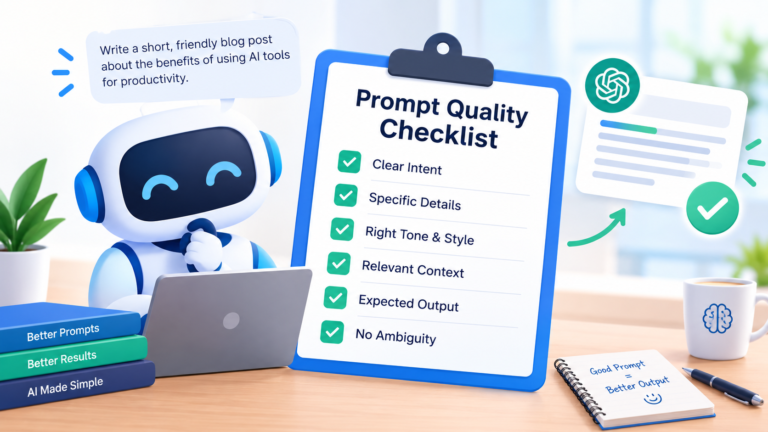
Before you send a generated prompt, read it once. Make sure the goal matches what you actually want, the audience is correct, and any hard limits made it in. If you want a second opinion, run it through our prompt checker, which flags anything still unclear.
If the AI’s answer is close but not quite right, do not start over. Reply with a small correction, such as “keep the structure but make the tone more casual.” Refining a good prompt is quicker than rewriting it
Frequently Asked Questions
Start Practicing How to Use a Prompt Generator Today
You now know how to use a prompt generator: describe the task, set the goal, choose the audience and tone, add the format and limits, then copy and paste. Try it on your next real task, whether that is an email, a blog outline, or a product listing, and compare the result with what you usually get. Open our free Prompt Generator, run the five steps, and see the difference for yourself.