Prompt Generator Guide: How to Create Better AI Prompts Without Starting From Scratch (2026)
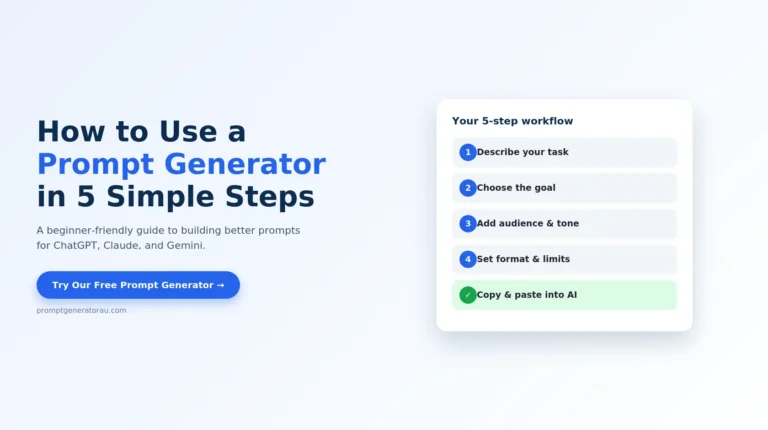
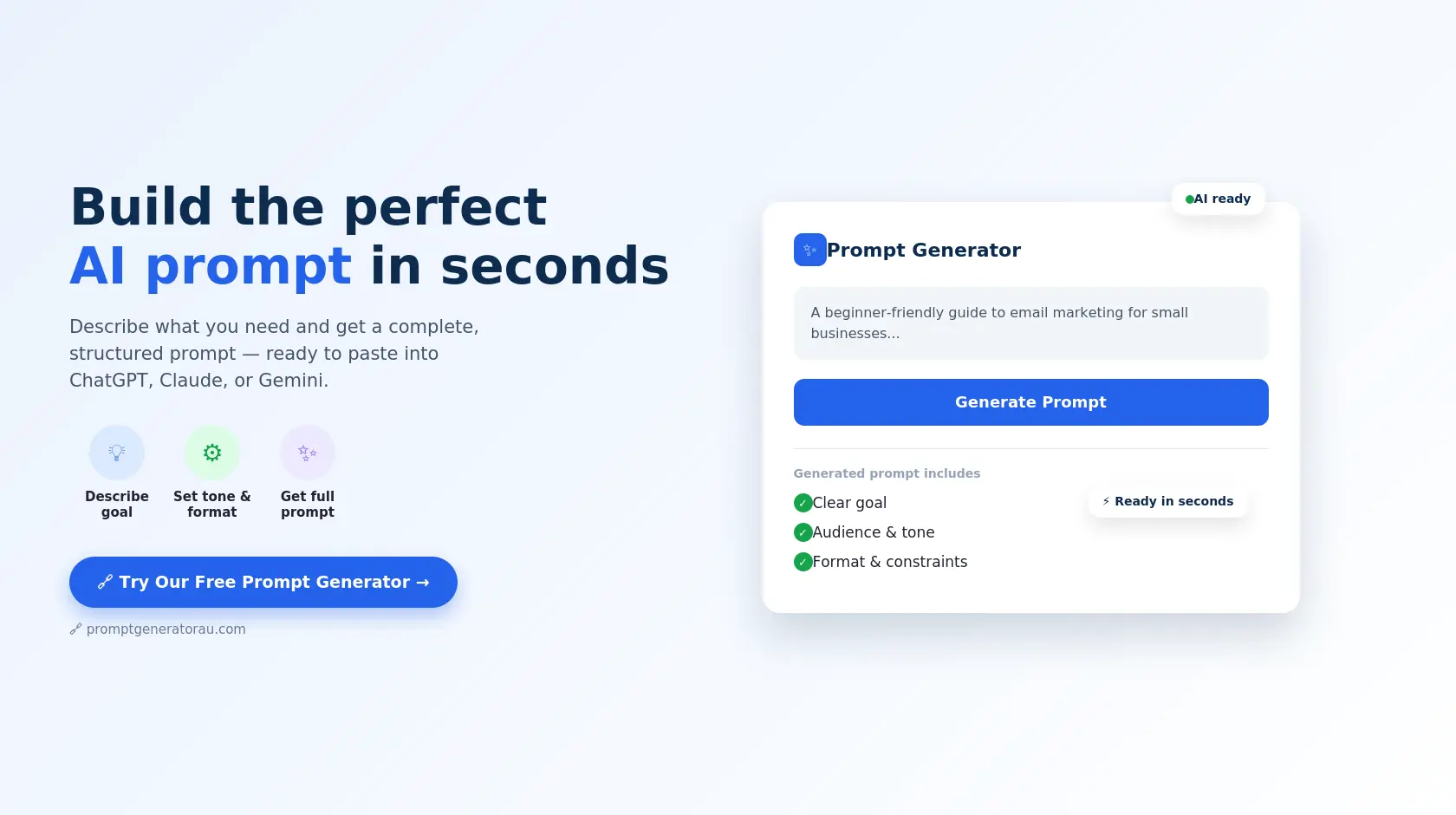
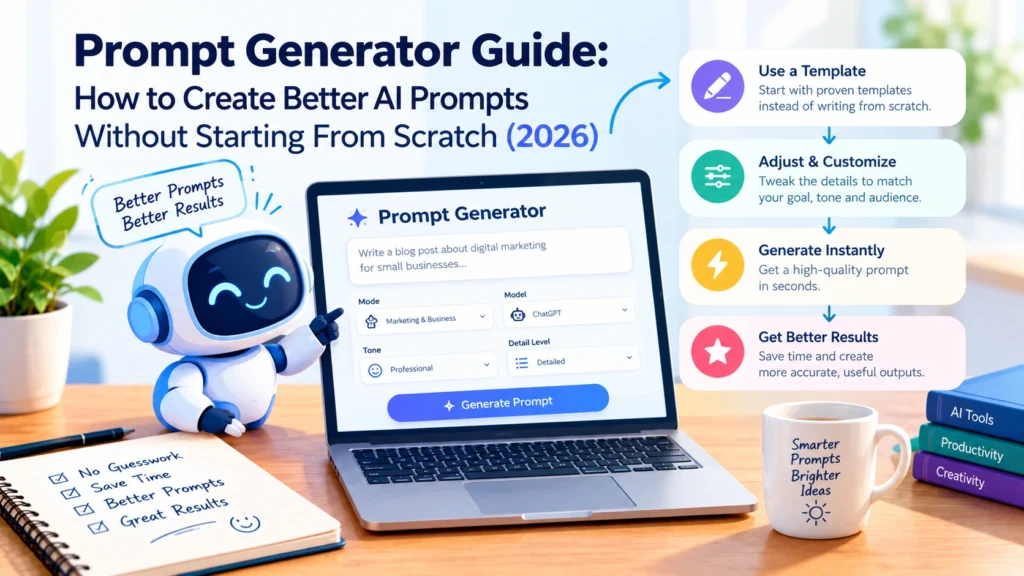
Staring at a blank chat box, trying to figure out exactly what to type so Chat GPT, Claude, or Gemini gives you a genuinely useful answer, is one of the most common frustrations with AI tools. You know roughly what you want, but turning that into a clear, well-structured prompt takes more thought than most people expect. This Prompt Generator Guide walks through what a prompt generator actually does, when to use one, and how to get the most out of it, so you spend less time guessing and more time getting answers you can actually use. Try our free Prompt Generator directly, just describe what you need, and get a complete, ready-to-use prompt in seconds.
What Is a Prompt Generator, Exactly?
A prompt generator is a tool that turns a rough idea — a topic, a goal, a few details — into a complete, well-structured prompt ready to paste into an AI model. Instead of you figuring out how to phrase the goal, add context, specify tone, and define a format all on your own, the generator asks a few guided questions (or takes a short description) and assembles those pieces into a prompt built the way AI models respond to best.
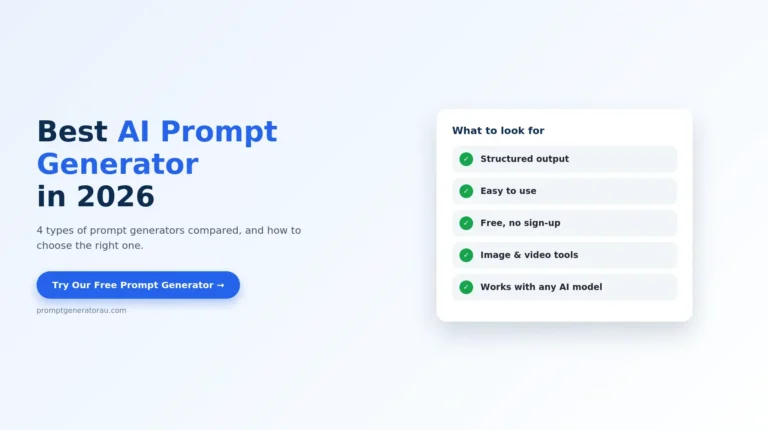
This matters because the gap between a weak prompt and a strong one is almost always structure, not creativity. A good Prompt Generator Guide exists to close that gap automatically, every time, without you having to memorize a checklist first. This Prompt Generator Guide brings together the full picture — the core structure a generator follows, when a generator helps most, how it compares to writing prompts by hand, and where to find specialized tools for images, video, and product copy.
Why Use a Prompt Generator Instead of Writing Prompts Yourself
Writing prompts manually works fine once you know what to include. The problem is consistency — it’s easy to remember tone on one prompt and forget it on the next, or to specify format for a blog post but skip it for an email draft. A prompt generator removes that inconsistency by applying the same structure every time: goal, context, tone, format, and constraints, in the same order, whether you’re writing your first prompt of the day or your fiftieth.
It also saves real time. Manually thinking through audience, tone, format, and scope for every single prompt adds up, especially if you’re using AI tools daily for work. A generator compresses that process into filling out a short form or answering a couple of questions, then handing you a prompt that’s ready to use immediately.
And it helps less experienced users specifically. Someone new to AI tools often doesn’t know yet which details matter — they’ll ask a vague question and get a vague answer, without realizing the prompt itself was the problem. A prompt generator effectively teaches good prompting habits by example, which is exactly why a reliable prompt generator guide matters for beginners and frequent users alike
How a Prompt Generator Builds a Strong Prompt
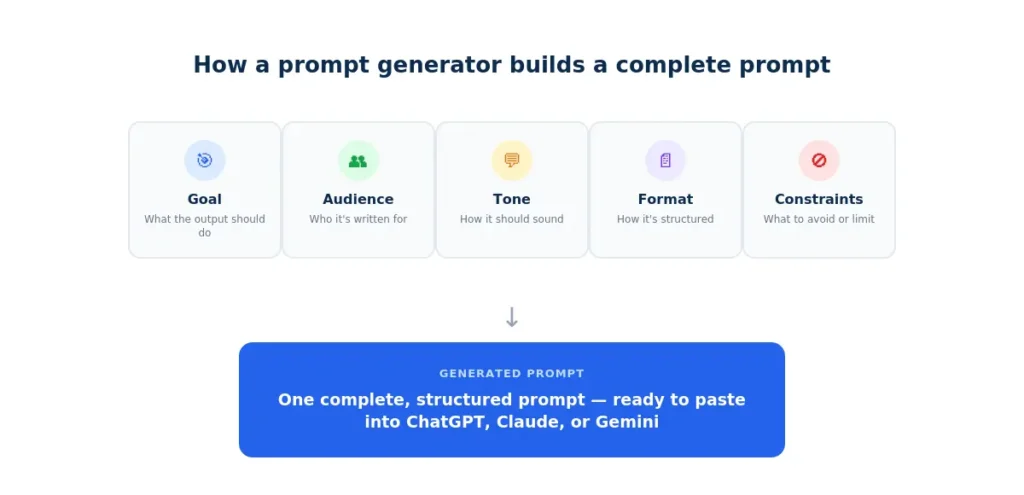
Most generators follow a similar underlying structure, even if the interface looks different. Understanding this structure is useful even if you eventually go back to writing some prompts by hand, because it’s the same structure this Prompt Generator Guide recommends for any prompt, generated or not.
|
Element |
What It Defines |
Example |
|---|---|---|
|
Goal |
What the output should accomplish |
Explain, persuade, summarize, compare |
|
Audience |
Who the response is for |
Beginner, expert, specific industry |
|
Tone |
How the response should read |
Professional, casual, persuasive, technical |
|
Format |
How the output is structured |
Bullet list, table, word count, paragraphs |
|
Constraints |
What to avoid or limit |
Length limits, jargon, excluded topics |
Once all five pieces are filled in, the generator assembles them into a single, coherent prompt — the kind that leaves an AI model very little room to guess.
Specialized Prompt Generators for Different Content Types
A general-purpose prompt generator covers most text-based tasks well, but some content types benefit from a generator built specifically for them — the fields and structure differ enough that a one-size-fits-all approach misses details that matter.
|
Tool |
Best For |
Output Focus |
|---|---|---|
|
AI art and image generation tools |
Visual style, composition, lighting, subject detail |
|
|
Nano Banana-specific image prompts |
Model-optimized structure and formatting |
|
|
AI video generation tools |
Scene, motion, camera direction, pacing |
|
|
E-commerce and retail listings |
Features, benefits, tone for product copy |
If most of your work is text-based like emails, articles, explanations then the general Prompt Generator covers it. If you’re regularly generating images, video, or product listings, the specialized tools above are built around the specific fields those formats need, so you’re not adapting a generic template to a very different kind of output
When a Prompt Generator Guide Helps Most
A prompt generator earns its place most clearly in a few specific situations.
Prompt Generator vs. Writing Prompts From Scratch
Both approaches have a place, and understanding where each one fits is part of using either one well.
|
Writing From Scratch |
Using a Prompt Generator |
|
|---|---|---|
|
Best when |
You already know the structure by heart |
You want consistent structure without manually tracking five elements |
|
Task type |
Simple tasks where structure barely matters |
Frequent prompting where speed matters |
|
Context needed |
Highly specific references — an ongoing project, internal terminology — that a generic generator wouldn’t know to ask about |
Still building the habit of what a complete prompt looks like |
|
Main advantage |
Full control over project-specific detail |
Consistency, speed, and nothing forgotten |
In practice, most people land on a hybrid: use a generator for the first pass, then adjust a line or two to reflect something specific to their situation — a brand voice, prior context, or a detail unique to the task. This hybrid approach is the core recommendation of this Prompt Generator Guide.
Checking a Generated Prompt Before You Use It
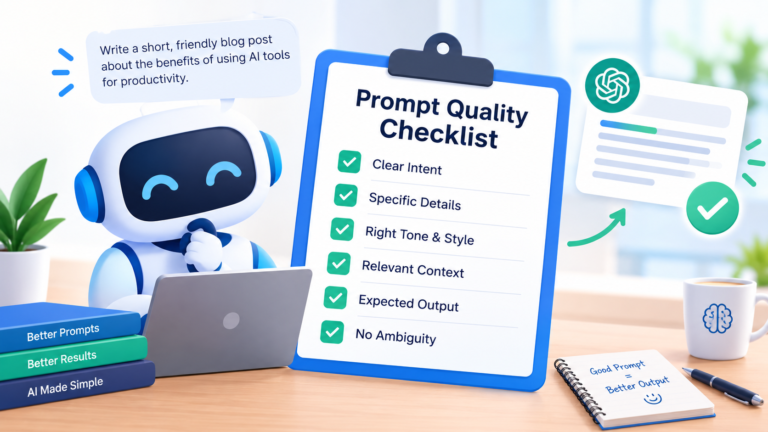
A generator removes most of the guesswork, but it’s still worth a quick glance before sending a generated prompt off. Confirm the goal line actually matches what you want the output to do, not just the topic you typed in. Check that the audience and tone fields reflect who will actually read the response. And if the task has any hard limits — things the AI definitely shouldn’t include — make sure those made it into the constraints field, since generators can only work with what you told them.
If you want a second layer of verification after generating a prompt, running it through our prompt checker catches anything that’s still ambiguous or missing before you submit it to ChatGPT, Claude, or Gemini.
Start Building Better Prompts Today
You don’t need to memorize every element of a strong prompt before you write one. That’s the entire point of this Prompt Generator Guide: a generator applies the structure for you, every time, so the gap between a vague request and a genuinely useful one closes automatically. Try our free Prompt Generator for general text prompts, or use the specialized tools above for images, video, and product copy. No sign-up required.